
The Best Free Moving Apps and Tools You Should Use Before Moving Day

Moving has a very specific way of humbling even the most organized people. You think you’re ahead of schedule… until six hours have passed and you’re still trying to conquer the junk drawer.
At some point, you realize the obvious: moving isn’t just packing boxes.
It’s budgeting, inventorying, coordinating, selling, donating, scheduling, labeling, planning routes, and somehow trying not to lose your mind.
That’s where the right apps and digital tools can genuinely save you. Think of them as your “moving tech stack:” the free apps that keep you from overspending, forgetting, mislabeling, or driving back because your important documents didn’t make it into the car.
Below are the best free moving apps and tools that hold up under real-life stress, not just the ones with pretty marketing pages.
If You’re In A Hurry: The Best Free Moving Apps & Tools
Before we get into the full reviews, here’s the quick overview:
| Tool/App | Category | Best for… | Why It Matters |
| moveBuddha | Moving Calculator | Getting accurate moving cost estimates without spam | Gives reliable cost ranges instantly so you know your budget before you start |
| GoodBudget | Finance | Tracking every dollar of your move | Helps you stay in control of freight, fuel, supplies, deposits, and “Oh, no” expenses |
| Sortly | Inventory | Creating photo-based visual inventories | Perfect for documenting valuables and avoiding “Which box is that in?” chaos |
| Google Keep | Organization | Simple checklists you can access anywhere | Easy to use even in peak moving-day stress |
| Trello | Project Management | Visualizing your entire move | Great for multi-stage moves or coordinating with roommates |
| Todoist | Task Management | Keeping deadlines from sneaking up on you | Automates reminders and recurring tasks |
| Facebook Marketplace | Selling | Offloading furniture quickly | Perfect for last-minute decluttering |
| OfferUp | Selling | Local item sales with fast pickup | Quick way to get rid of single items |
| Nextdoor | Selling/Giving | Hyper-local swaps and giveaways | Ideal for free items, baby gear, and neighbor-to-neighbor exchanges |
| Taskrabbit | Help & Labor | Hiring help for packing, lifting, and assembly | Lifesaver for “I can’t physically do this myself” moments. |
| Dolly | Hauling Help | Getting bulky items moved quickly | Good for single pieces or supplementing DIY truck moves. |
Why Free Moving Tools & Apps Matter
Most people assume moving apps are optional (nice in theory, unnecessary in practice). Well, that’s right up until they’re surrounded by half-packed boxes, a budget that keeps shapeshifting, and the sinking realization that they have no idea which closet the passport ended up in.
Moving forces you to juggle logistics, timelines, money, inventory, decluttering, and all the tiny tasks that slip through the cracks when you’re coordinating a thousand moving pieces.
Free tools make that load lighter.
They don’t replace the work, but they turn chaos into something you can actually manage.
With the right mix of apps, you can:
- Build a realistic budget
- Avoid overbuying supplies
- Track what’s going into each box
- Clear out items you don’t want to bring
- Keep your timelines straight even when your brain is done for the day
They also help prevent the classic moving-day disasters: the missing keys, forgotten chargers, and the dreaded “Wait… where did we pack the medication?”
Because these apps are free and user-friendly, you don’t have to fight through complicated setup to get value out of them.
The only mistake people make is waiting too long to use them, especially moving cost calculators. A cost estimate should always come before the packing tape ever comes out of the drawer.
How to Choose the Best Free Tools & Apps for Your Move
Good moving tools fit naturally into your life, while bad ones make you feel like you’ve taken on a second job.
Look for tools that:
- Are genuinely free, not “free until you click the feature you actually need.” Surprise paywalls and trials add stress, not support.
- Hold up under real-life chaos. If you can’t use the app while sweaty, tired, and balancing a box on your hip, it won’t help you when it counts.
- Fit your workflow instead of complicating it. A moving tool should remove friction, not add tabs, steps, or unnecessary notifications.
- Solve a clear moving problem, whether that’s budgeting, labeling boxes, documenting valuables, managing tasks, or coordinating with family.
- Respect your privacy, especially with calculators. If an app demands your contact info before showing numbers, it’s usually collecting leads, not guiding your move.
A good app should make the process feel smoother almost immediately. If it doesn’t, it’s not worth your time.
The Best Free Moving Apps and Tools
Here’s where we get into the apps that actually help. No hype or empty promises, just tools that performed well when I tested them in the wild, during real packing, budgeting, and “Where did that box go?” moments.
1. moveBuddha
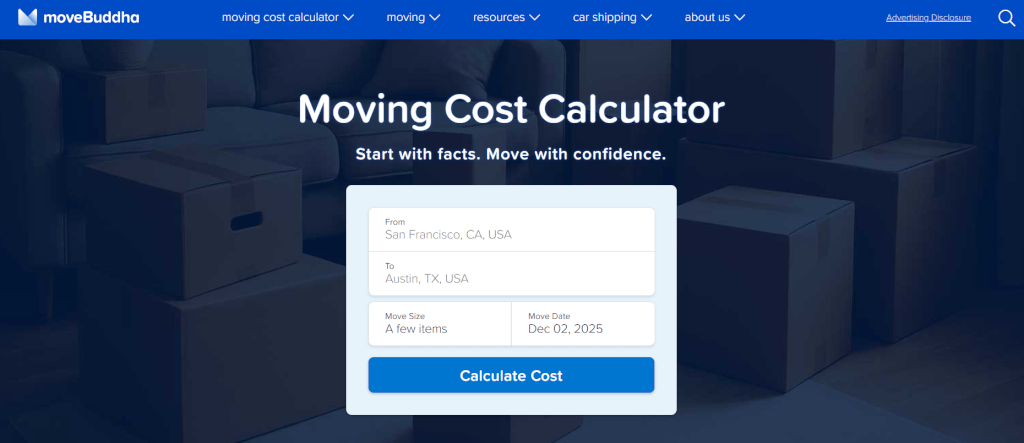
Best for accurate moving cost estimates without spam
moveBuddha is the moving calculator I always tell people to use first before a move. You don’t want to get halfway through any of the other steps without using it first.
It gives you an instant estimate for multiple move types, from full-service and container to freight and rental truck, without asking for your phone number. That alone puts it ahead of most calculators online.
The estimates are grounded in actual move data, not vague industry averages. I’ve compared moveBuddha to real quotes enough times to trust it; the ranges usually fell within 10–15% of my final price.
Unlike some other tools, it doesn’t try to funnel you into one specific service; it simply shows what each method costs so you can choose the best option.
My favorite part? You can change the date and immediately see how prices shift. Watching the difference between a Saturday in June and a Wednesday in February is eye-opening… and money-saving.
2. GoodBudget
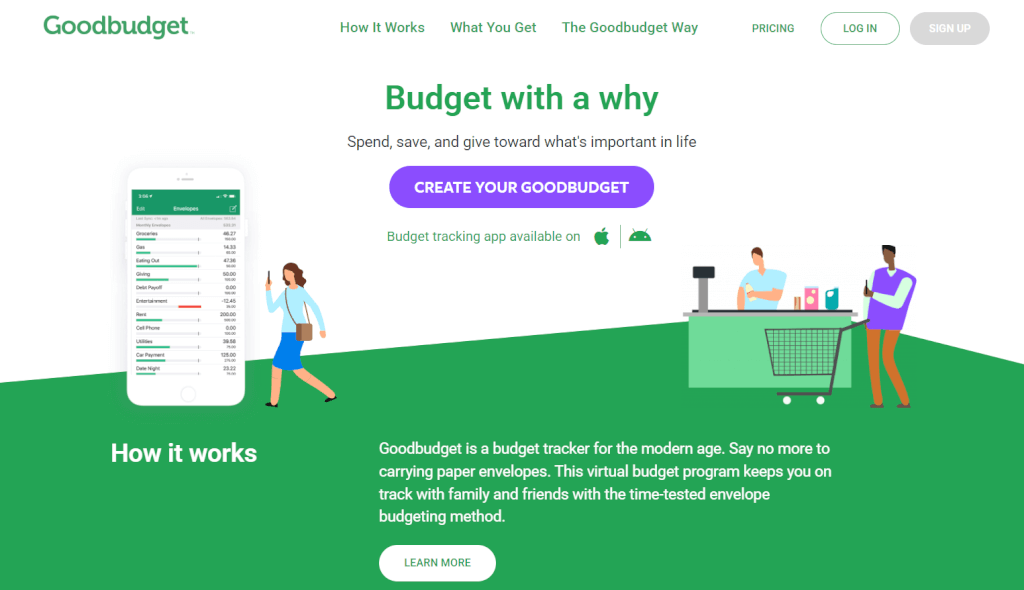
Best for budgeting your entire move without losing your mind
GoodBudget uses the old-school envelope strategy, but digitally, which means you can categorize every cost of your move without relying on a spreadsheet you will absolutely forget to update.
I used this during an interstate move where I had:
- A cleaning fee
- A truck rental
- Pet travel costs
- Hotel stays
- Security deposits
- Packing supplies
- Way too much takeout
Having each category as its own envelope kept me from wildly overspending in the last week. If you’re someone who wants a realistic, visual sense of your moving money (and how fast it disappears), this one helps.
The app, available for iOS and Android, has a freemium version for 20 envelopes, which is plenty for a single move.
3. Sortly
Best for visual inventory with photos
Sortly is the app I recommend to anyone who has anxiety about losing items during a move. It lets you create a visual catalog with photos, tags, values, serial numbers, and notes.
If you’re moving expensive equipment, electronics, or collectibles, this is your new best friend.
I used Sortly during a move where I had to store items temporarily. Months later, when I couldn’t remember which box my camera lenses were in, Sortly saved me from opening 10 identical boxes labeled “BEDROOM.”
The app is clean, intuitive, and genuinely helpful when file names like “misc box 12” mean nothing to you.
On the free version, you can add and track 100 unique items.
4. Google Keep
Best minimalist moving checklist
Google Keep wins for simplicity. It loads quickly, syncs instantly, and works even when your brain is fried and you need a checklist that doesn’t feel like project management.
I used it as my “brain dump” during move week, so random reminders, small tasks, “don’t forget the milk,” “call the building,” and “pack meds” all lived there. Nothing fancy, but incredibly dependable.
5. Trello
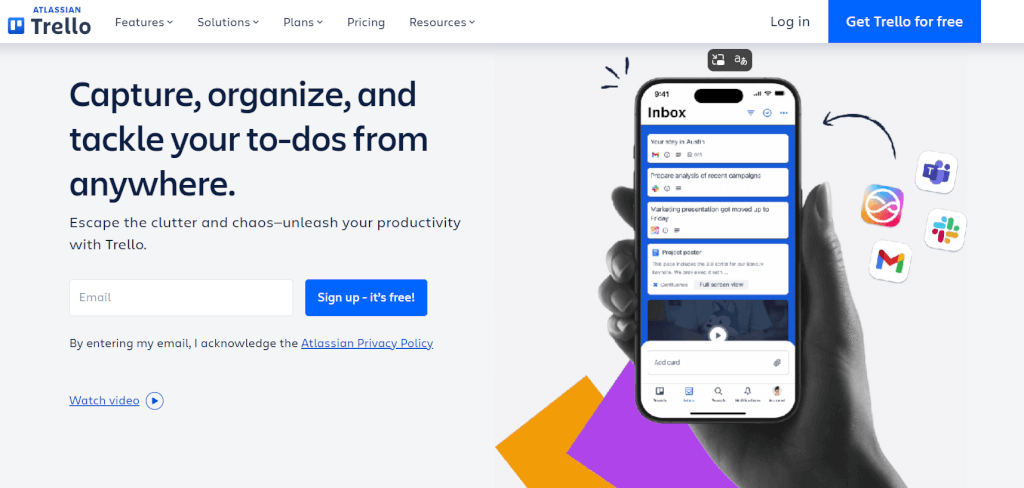
Best for visualizing your move on boards
If you’re someone who loves a visual, card-based system, Trello turns your move into a series of boards:
- Before moving
- During packing
- Moving day
- Unpacking
I used Trello during a cross-country move where timing was everything. The ability to drag cards between lists made it feel manageable instead of overwhelming.
It’s especially good for coordinating with partners or roommates.
6. Todoist
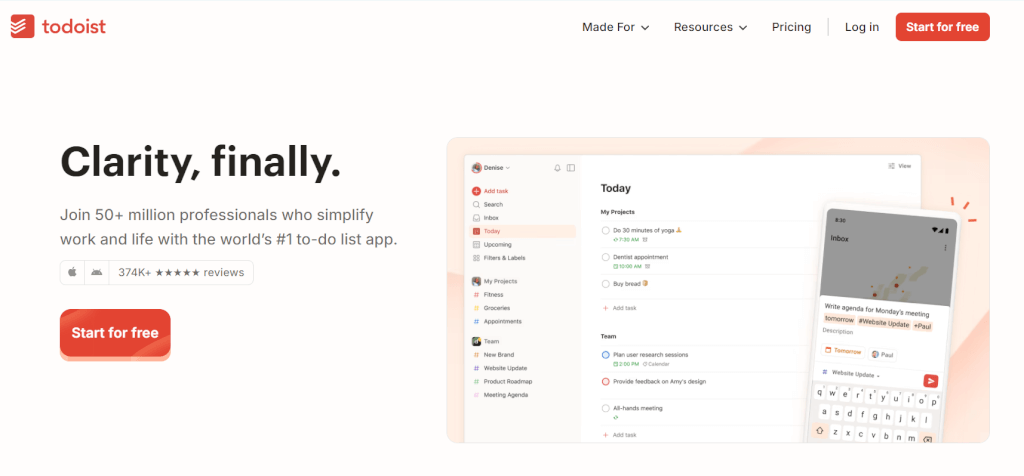
Best for task automation and reminders
Todoist is the app that saves you from forgetting deadlines. You can schedule tasks, make them recurring, assign priority levels, and set reminders that pop up when you need them.
If you’re the type of person who thinks, “I’ll remember that,” and then definitely doesn’t, this app fills the gaps.
7. Facebook Marketplace
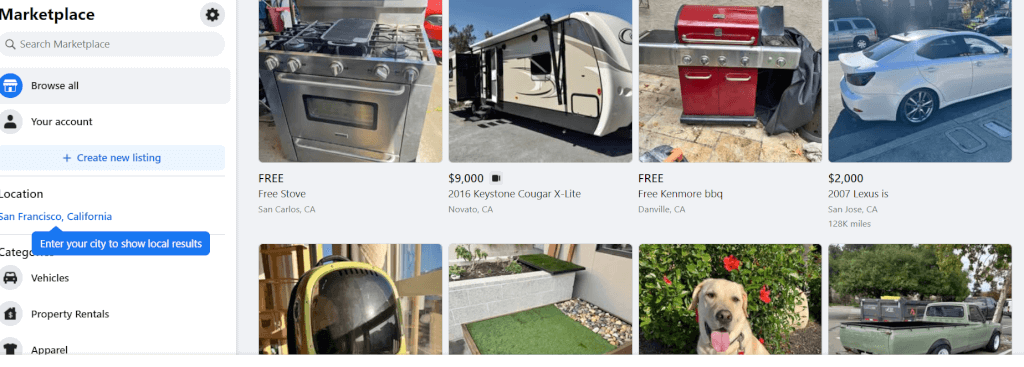
Best for selling furniture fast
This is the platform where big items, such as couches, desks, dressers, patio sets, and appliances, actually get picked up. Every time I’ve needed to offload furniture quickly, Marketplace delivered within hours.
Just price things realistically and be prepared for the occasional “Is this available?” message at 3 a.m.
8. OfferUp

Best for quick, local, one-off sales
OfferUp is perfect for smaller items or things you need gone ASAP. It’s a bit more streamlined than Marketplace, and the buyer chats are simpler to manage.
I used it to clear out kitchen appliances and duplicate household items, things that didn’t warrant a big listing elsewhere. It’s fast, clean, and good for micro-decluttering.
9. Nextdoor

Best for hyper-local swaps and giveaways
Nextdoor is great if you prefer to give away items or sell them for very little. It’s neighborhood-based, so you’re usually handing items to someone who lives within blocks of you.
I used it to give away plants, moving boxes, leftover paint, and random odds and ends. Everything got picked up quickly, and people were genuinely grateful.
10. Taskrabbit
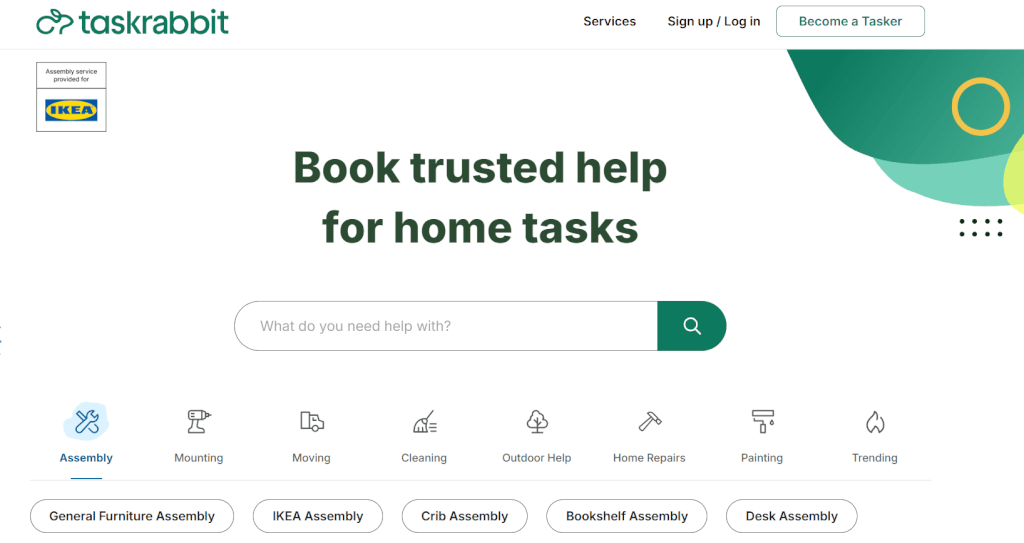
Best for hiring help for packing, lifting, and assembly
Taskrabbit is my go-to whenever I hit the “I physically cannot do this myself” point. Whether you need packing help, furniture assembly, or someone to haul boxes down stairs, you can book help by the hour.
I’ve used Taskrabbit for packing and building IKEA furniture after a move, and honestly, both experiences saved me emotionally and physically.
11. Dolly

Best for moving bulky items without renting a truck
Dolly specializes in large-item transport, from sofas, mattresses, and appliances to big boxes. You book a helper (or two), tell them what needs moving, and they show up with a truck.
I used Dolly to move a massive dining table that absolutely didn’t fit in my SUV. The helpers were friendly, fast, and took the weird angles of my staircase like pros.
Honorable Mentions
Short, sweet, and useful:
- Updater: Handles address changes, utility transfers, and moving admin tasks.
- Google Drive or Dropbox: Best for storing receipts, photos, leases, and inventory documents.
- Google Maps or Waze: Essential for routing moving trucks and avoiding low-clearance roads.
- Boxes: Simple app for logging box contents.
- Nest Egg: Great for cataloging valuables with prices, serial numbers, and warranty info.
Pro Tips for Using Moving Tools Effectively
Moving tools aren’t magic; how you use them is what makes the difference.
The key is intentionality, not loading your phone with every app that looks helpful. Ten versions of the same inventory tool won’t make your move smoother; it’ll just add digital clutter to the physical clutter you’re already fighting.
As you plan, aim to:
- Use one tool per category (budgeting, inventory, tasks). Keeping your system simple prevents the mental fatigue of switching between apps that do the same thing.
- Store everything in one digital home, whether that’s Dropbox or a Google Drive titled “Move 2025.” When receipts, insurance photos, and checklists live in one place, documentation becomes effortless.
- Rely on automation, such as Todoist reminders, Trello due dates, and Google Keep alerts, because the small tasks you think you’ll remember are the ones you definitely won’t.
- Create a “24 Hours Before Move-Out” checklist, your pre-flight safety check for keys, chargers, trash, and cleaning supplies. It catches the things moving-day adrenaline tends to erase.
- Label thoroughly and consistently. No one has ever regretted labeling a box too clearly, but plenty of people regret labeling too vaguely.
These small habits turn a chaotic process into something you can manage without burning through your last nerve.
What to Avoid: The Spam-Trap Calculators
There’s a whole category of “moving calculators” online that exist for one reason: collecting your information so sales teams can call you. They look helpful, but the moment you enter details, your inbox fills, and your phone lights up like you accidentally joined a telemarketer group chat.
The biggest red flags are calculators that ask for your full name, phone number, email, move date, or home size before showing anything.
If a tool won’t display even a basic estimate until after you hand over your contact info, it’s not helping you budget; it’s generating leads.
Reliable calculators like moveBuddha give you numbers upfront and let you decide when to reach out.
The rule is simple: if it isn’t transparent from the start, skip it.
Make Your Next Move the Easiest One Yet
Moving is messy, chaotic, and guaranteed to bring out your inner “Why do I own so much stuff?” existential crisis. But the right tools genuinely make it lighter.
Whether you need to track your boxes, map your furniture, sell half your possessions, or simply remember what day the movers arrive, every app on this list earns its place.
Start with moveBuddha’s moving calculator to set your baseline. Then choose one app per category so you don’t overwhelm yourself.
Moving will never be effortless, but with the right digital toolkit, it becomes infinitely more doable.